Complete Document Privacy
Everything processes in your browser—documents never touch external servers or third parties.
Sign Documents in Minutes
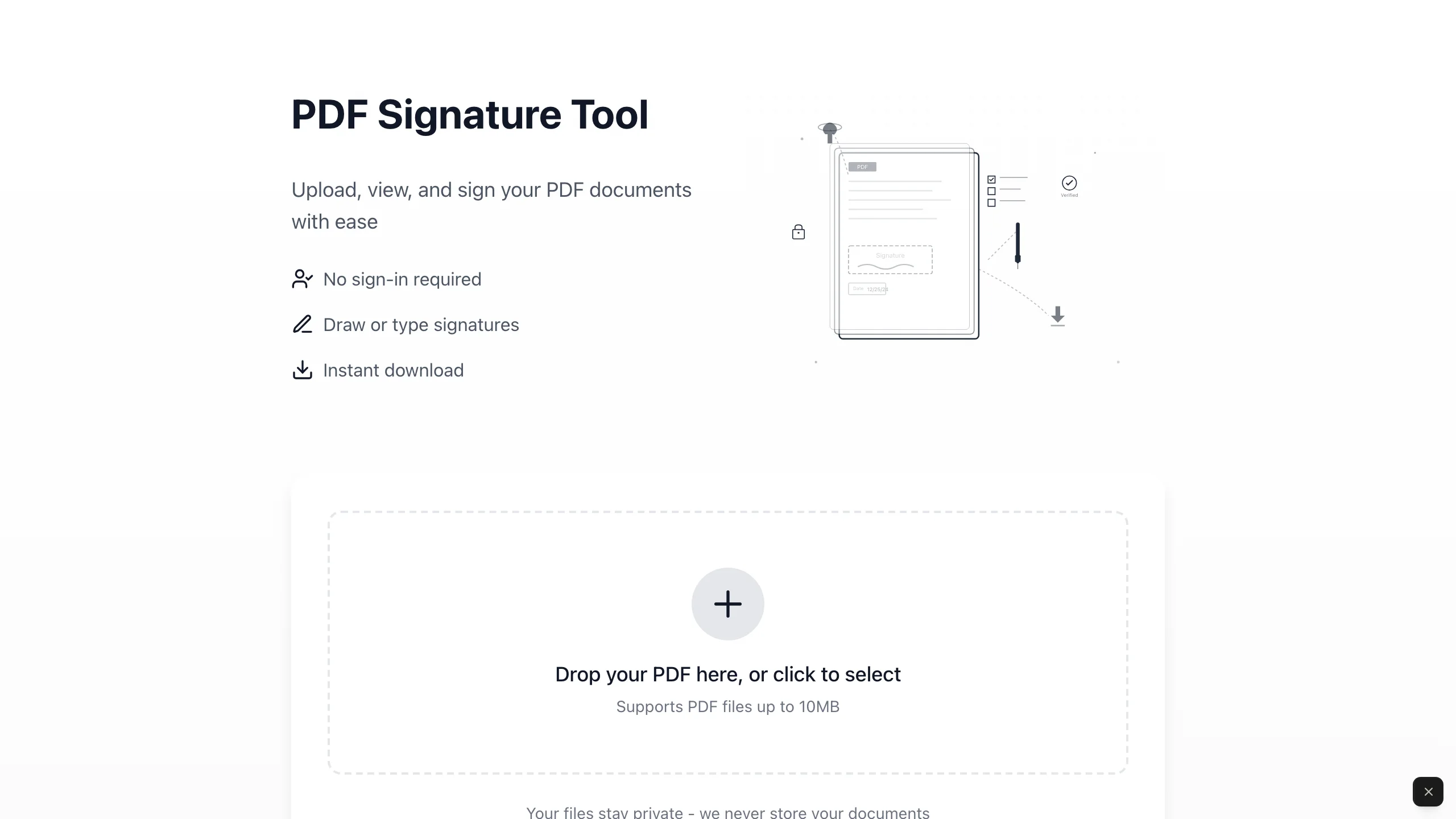
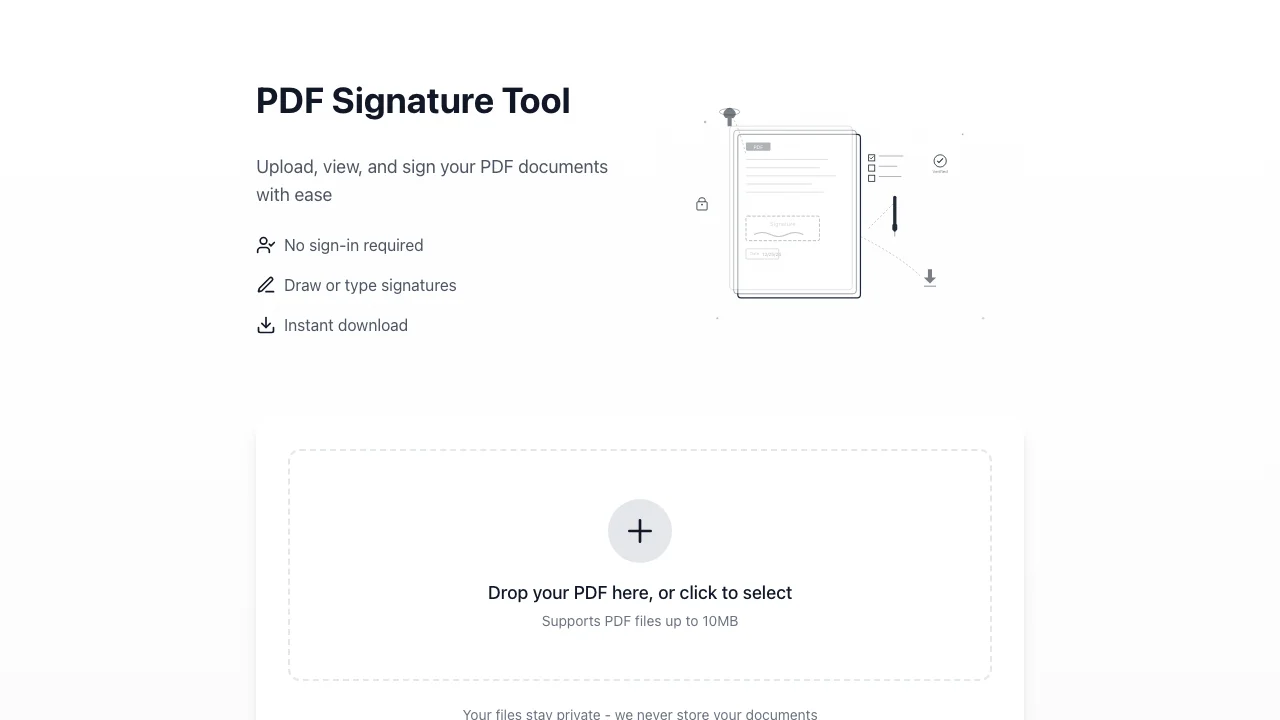
Upload, draw your signature, place it, and download signed PDFs instantly.
Professional Signing Workflow
Multi-page support, precise placement with zoom controls, and reusable signatures throughout documents.
Zero Technical Setup Required
Works immediately out of the box without configuration, coding, or external accounts.
Production-Ready Output
Download professionally signed PDFs ready to send to clients and partners.
Production-ready features built with modern tech stack for exceptional performance and user experience
This template gives you a PDF signature tool that works entirely in your browser on desktop (signature drawing requires a mouse, so mobile devices aren't supported) and you don't need technical skills to set it up. Your documents never leave your computer—everything happens in your browser, which means your contracts, proposals, and agreements stay private.
The technical parts are already handled—you don't have to figure out how PDFs work in browsers or build signing interfaces from scratch. The template stays out of your way and lets you focus on getting documents signed. You can use it immediately or customize basic branding elements if needed. The tool is ready to use right out of the box.
This works for anyone who regularly signs business documents and wants to avoid privacy concerns with third-party signature platforms. The tool handles multiple signature placements per document, supports multi-page PDFs, enables freehand signature drawing with undo capability, and outputs professional signed files ready to send.
Who This Is For
- Service business owners who need professional document signing without complex enterprise tools or sending files to third parties
- Solo founders managing client agreements who want control over their document workflow and data privacy
- Freelance professionals signing NDAs and service agreements who need browser-based tools that work immediately
- Consultants handling client contracts who want efficient signing without technical complexity or external dependencies
- Small business operators who value document privacy and need reliable signing capability for day-to-day operations
Best Use Cases
Sign and Secure Your Documents
Sign any PDF document without sending files to third-party platforms. The professional interface keeps everything on your device under your control, which matters when handling sensitive documents. Documents stay private—your data never touches external servers.
Client Proposals and Service Agreements
Sign client proposals and service agreements during discovery calls or negotiations without delays. When clients request contract modifications, make changes and sign immediately—no waiting for external platforms to process. This streamlined approach helps you close deals faster while maintaining a professional appearance.
Internal Business Documents
Sign internal agreements, contractor paperwork, and vendor contracts without sending sensitive business information to third-party platforms. All processing happens in your browser—no files leave your device, giving you complete control over sensitive documents. This provides control over document handling and data privacy for business documents that require signatures.
Quick Turnaround Signing
Sign documents between meetings without waiting for email attachments to process through external services. Upload the PDF, draw your signature once (you can reuse it on any page), drag it into position on the page, and optionally resize it using the corner handle if needed. Download the signed version instantly. The streamlined workflow—from upload to placement to download—eliminates the friction of traditional signing processes.
Getting Started
Step 1: Remix This Template
Click "Remix" to create your copy. You'll have a complete PDF signature tool ready to use. All the features are already working—upload, signature drawing, placement, and download. You don't need to know code to start using it.
Step 2: Customize Your Brand (Optional)
SignFlow uses a clean, professional design with a green accent color for buttons and a system font optimized for readability. If you want to match your business colors, Lovable's visual editor lets you adjust the color scheme and spacing. You don't need to know code to make it look how you want.
Step 3: Use the Signature Tool
Upload any PDF document using drag-and-drop or the file picker. Draw your signature once on the canvas—you can reuse it throughout the document. Drag your signature to any position on any page, resize it using the corner handles, and download your signed PDF instantly. The tool includes zoom controls for precise placement and undo functionality if you make a mistake.
Step 4: Share With Your Team (Optional)
Since this tool runs entirely in your browser, you can share it with team members by giving them access to your Lovable project. They can use the same remix and sign documents on their own computers—everything stays client-side, so each person's documents remain on their device only.
Conclusion
This PDF signature tool works for business owners who want document signing without privacy compromises. You get professional functionality without enterprise platform complexity, complete in-browser processing without sending documents to third parties, and production-ready signing capability without building technical infrastructure yourself.
The tool handles the complete signing workflow smoothly. Upload PDFs with drag-and-drop, draw signatures with freehand precision, place them exactly where needed with zoom controls, and download professionally signed documents. Everything runs in your browser for instant results. Whether you're signing your first client contract or processing agreements weekly, this tool gives you a professional signing solution that keeps your documents under your control.